
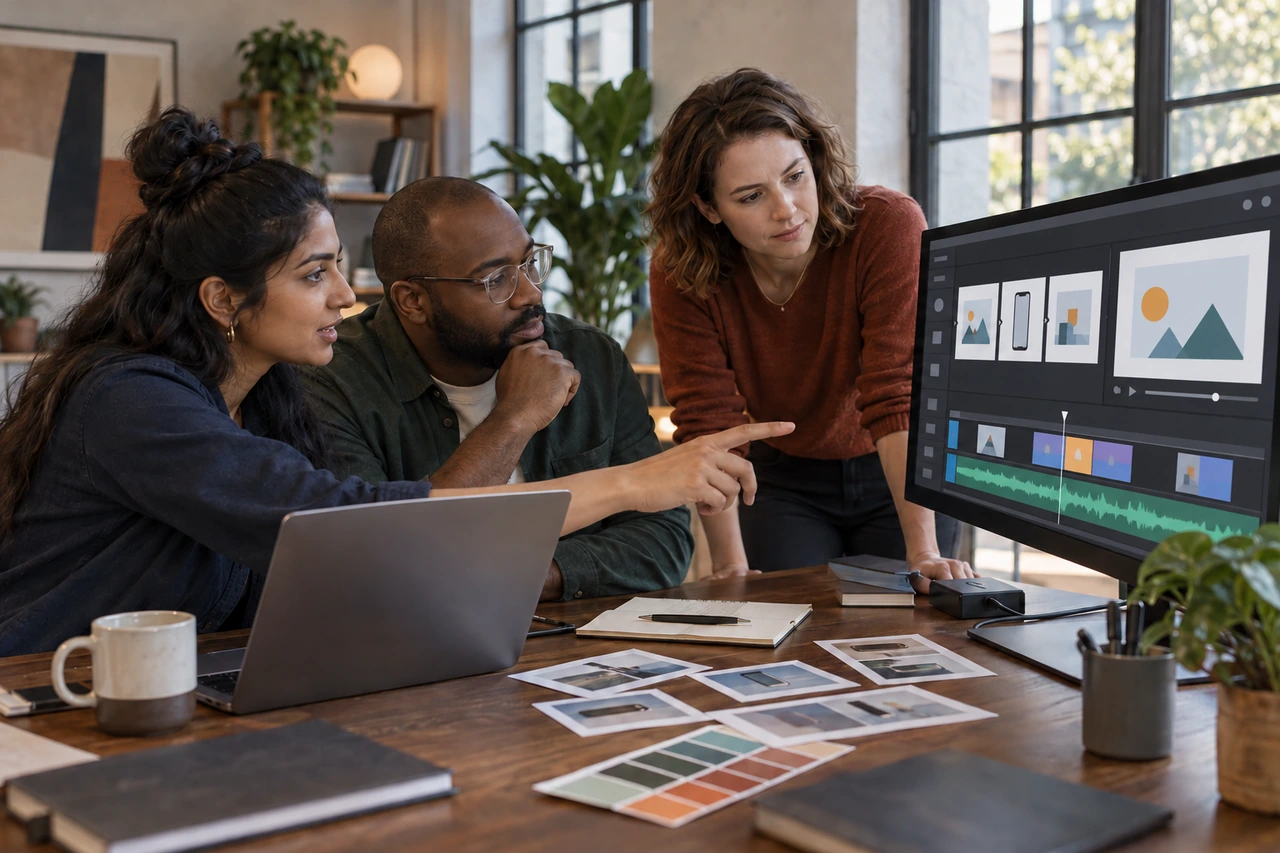
Product demo video production services should turn one proven product workflow into a clear, credible story that a buyer can follow without a live call. Define the audience and next action first, stabilize the demo environment, approve a timed script and capture plan, then produce captions, channel versions and source files that can be updated after the interface changes.
The short answer: show one useful job from problem to outcome
A strong demo follows a person completing a meaningful task. It does not tour every menu or list every feature. The viewer should understand who the product is for, what job it helps complete, how the key workflow behaves and what to do next. Choose one journey that is important enough to influence a trial, sales conversation, launch or adoption decision.
That choice controls the entire scope. A homepage overview needs a different script from a sales follow-up, feature launch, onboarding lesson or help-center tutorial. Reusing the same master can be efficient, but each version still needs a defined audience, placement, viewing context and call to action.
Choose the right demo format before asking for a quote
| Format | Best job | What the viewer sees | Primary risk |
|---|---|---|---|
| Product demo video | Evaluation and launch | A real or faithfully represented workflow | Feature tour without buyer context |
| Explainer video | Problem and category education | Concepts, outcomes and selective product moments | Abstract claims without product proof |
| Tutorial | Adoption and support | Exact steps for a known task | Too much detail for an early buyer |
| Live demo | Interactive sales discovery | A presenter adapting the product to questions | Time, no-shows and inconsistent delivery |
| Interactive tour | Self-directed exploration | Clickable steps or branching screens | Different tooling, analytics and maintenance needs |
The live search language reflects these distinctions. Current Google suggestions around the topic include production, editing, company, examples, cost, length, templates and AI-assisted creation. Buyers are comparing both providers and production methods. Your brief should therefore name the format instead of asking broadly for a product video.
Current first-party guides reinforce the same boundary. What a Story's product demo guide separates buyer questions, product proof and next actions from a feature dump. Loom's product demonstration guide distinguishes recorded, live and interactive approaches and recommends audience definition, a storyboard and a clear action. Treat those pages as provider perspectives, then write requirements for your own product and funnel.
Scope the purchase as a production system
A proposal should name every included stage and deliverable. Scriptwriting, product access, UI capture, motion design, voice talent, music, captions, localization, revisions, channel versions and source files can all change the price and schedule. Ask who owns each input and what happens if the interface changes after approval.
| Stage | Buyer supplies | Provider delivers | Approval gate |
|---|---|---|---|
| Discovery | Audience, product access, sales questions, claims | Objective, format and scope | One job and one next action |
| Script | Approved terminology and workflow | Timed narration and on-screen plan | Words and product truth |
| Storyboard | Brand system and references | Scene plan, UI moments and motion direction | Sequence and visual logic |
| Capture | Stable environment and realistic data | Clean product footage and asset log | Correct states and permissions |
| Edit | Consolidated notes | Master cut, sound, captions and graphics | Picture and audio lock |
| Delivery | Channel specifications | Masters, cutdowns, caption files and sources | Manifest and update owner |
Start with the buyer decision, then pick the workflow
List the questions a qualified viewer must resolve. Can the product handle the job? Does it fit the existing process? Is the workflow understandable? Can a team adopt it? Which proof or objection matters before the next step? Choose the shortest workflow that answers those questions honestly.
Map the video as a sequence of decisions and outcomes, not clicks. For example, a reporting product might begin with scattered source data, show the user connecting an approved source, demonstrate one transformation and end on a review-ready report. The clicks support the story. They are not the story.
A convincing demo shows the product doing the job the buyer came to solve. Every scene should earn its place by adding context, proof or momentum.
PitchWorx product-demo principle
Build a stable, privacy-safe demo environment
Record in a controlled account with believable sample data. Remove customer names, personal information, confidential metrics, internal URLs, browser history, notifications, bookmarks and test labels. Confirm that every claim and screen state exists in the current product. If the video uses a prototype or composited interface, identify that choice during approval and avoid presenting unavailable behavior as live functionality.
- Freeze the product version, browser, viewport, theme, language and account state for capture.
- Seed realistic sample records that support the story without exposing customer data.
- Preload slow states only when the edit does not misrepresent how the product works.
- Hide notifications, extensions, bookmarks, private tabs and unrelated applications.
- Confirm permission to show partner names, integrations, logos, maps, media and datasets.
- Record each scene as a separate named take so a changed screen can be replaced later.
Approve the script and storyboard before capture
Write the narration beside the exact product action and intended viewer takeaway. Read it aloud against a timer. Product language that looks concise in a document can feel dense over a moving interface. Remove setup that the screen already makes obvious and give complex actions enough visual time.
| Scene field | Question it answers | Example entry |
|---|---|---|
| Viewer problem | Why should this scene exist? | A marketer cannot reconcile campaign results quickly |
| Product action | What happens on screen? | Connect the approved data source and select the report |
| Narration | What must audio add? | Explain the decision, not each cursor movement |
| Proof | What makes the claim credible? | Show the generated view and its source status |
| Overlay | What needs emphasis? | One callout on the field that changes the outcome |
| Next action | Where should the viewer go? | Start a trial or book a scoped walkthrough |
Approve terminology, claims and the final sequence before polishing animation. Script changes can alter the capture list, timing, voice recording, music edit, captions and every cutdown. A named script owner prevents contradictory comments from product, sales, legal and marketing reviewers.
Capture the interface for clarity and future replacement
Use a clean viewport that matches the destination. Keep the pointer deliberate, avoid frantic movement and capture enough lead-in and tail space around each action. Record at a size that supports the final crop without making interface text unreadable. If mobile and desktop experiences matter, plan separate capture paths rather than squeezing both into one frame.
Keep capture, callouts, narration and music on separate layers. This makes small product changes cheaper to update. Save a take log with scene ID, product version, account state and file name. A provider who delivers only one flattened export may force a complete rebuild after a button moves or a label changes.
Use motion to guide attention without faking the product
Zooms, pans, masks, highlights and cursor emphasis can clarify where to look. They should preserve the real order and meaning of the interaction. Avoid inventing instant results, hiding required steps or smoothing away limitations that matter to the buyer. If a scene is a conceptual animation, make it visually distinct from captured product behavior.
Review the first representative sequence before editing the full film. Check visual scale, pointer treatment, callout style, transition speed, color, typography, pacing and sound. Approval at this point creates a reusable motion system for the remaining scenes and later cutdowns.
Plan narration, sound and accessibility together
Choose voice, accent, pace and pronunciation from the audience and brand context. Keep music below the narration and license it for the intended channels, duration and paid-media use. Request the clean narration, music license and final mix when future localization or updates are likely.
Accessibility belongs in the production brief. W3C's current guidance for prerecorded captions calls for synchronized text for spoken content and meaningful non-speech audio. W3C also explains when description of visual information is needed. For a product demo, write narration that communicates important visual actions where possible, provide accurate caption files and ensure captions do not obscure controls or proof on screen.
Design the master and cutdowns as one content system
Decide placements before editing. A website master, sales email clip, social cutdown, paid ad, product-launch post and in-app lesson may need different openings, runtimes, aspect ratios, captions and calls to action. Do not assume one crop will work everywhere. Create a deliverable matrix with channel, dimensions, maximum useful length, sound-on or sound-off behavior, CTA and expiry date.
- Website master with a direct problem, product proof and next action.
- Sales cutdown focused on one objection or workflow for follow-up.
- Short launch clips built around one feature and one outcome each.
- Captioned social versions checked at the real mobile display size.
- A clean product-only edit when narration or music may change by market.
- Thumbnail, poster frame, caption file, transcript and tracked destination link.
Run reviews through named owners and locked stages
Product confirms behavior and terminology. Marketing owns audience, message and CTA. Brand reviews the visual system. Legal or compliance reviews required claims and rights. Accessibility review covers captions, contrast, reading pace and essential visual information. One producer consolidates comments and resolves conflicts before the provider starts the next stage.
- Approve the objective, audience, format and workflow before scripting.
- Approve the timed script before voice recording or detailed storyboards.
- Approve the storyboard and representative motion sequence before full production.
- Approve product accuracy from the clean capture and rough cut.
- Lock picture before final sound, captions, localization and cutdowns.
- Approve the exact delivery manifest and archive owner before launch.
Compare pricing by scope, reuse and update risk
Product demo pricing changes with discovery, script support, product complexity, UI reconstruction, number of scenes, custom motion, voice talent, music, languages, review rounds, rush work and channel versions. Compare the same deliverable matrix. A cheaper master can cost more if captions, source files, replacement captures or cutdowns are separate.
Use public provider figures as scope examples, not market averages. ContentBeta's current 2026 product demo cost guide advertises a $3,000 pilot and states that its one-minute demo example uses eight of 50 credits, which it calculates as $480 of plan capacity. The same page says UI complexity, scripting, animation, deliverables and review needs change cost. Request a written quote for your actual workflow and rights.
PitchWorx Creative Assist is currently $699 per month with unlimited queued requests, two active requests, human-led design with AI-assisted production, senior review, unlimited revisions and team members, editable source files where applicable, no long-term contract and cancellation at any time. Most everyday requests target about 72 hours. Video schedules still depend on script approval, product readiness, runtime and motion complexity.
Questions to ask product demo video providers
- Who turns product knowledge, sales questions and objections into the script?
- Do you capture the real product, animate supplied interface files or rebuild selected screens?
- How do you protect customer data and handle access to private environments?
- Which script, storyboard, motion and rough-cut approvals are included?
- Who licenses voice, music, fonts, stock media and third-party interface assets?
- Are accurate captions, transcript and accessibility review included?
- Which aspect ratios, cutdowns, thumbnails and caption files are delivered?
- Do we receive editable project files, clean assets and a scene-level capture log?
- What happens when a screen, label, workflow or claim changes after launch?
- Which results are provider claims, and which product outcomes can our team prove?
Product demo storyboard and capture brief
- Name the audience, funnel stage, placement, viewer question and next action.
- Choose one workflow with a clear starting problem and visible outcome.
- List approved claims, proof, terminology, required disclaimers and owners.
- Record every scene's narration, product action, overlay and target duration.
- Freeze the product version, account state, viewport, language and sample data.
- Remove private data, notifications, browser clutter and unapproved partner marks.
- Approve voice, music rights, caption format and visual-description approach.
- Define the master, every cutdown, aspect ratio, thumbnail, transcript and CTA.
- Lock review stages, approvers, revision rounds, due dates and launch dependency.
- Require source files, clean layers, caption files, licenses and an update manifest.
Product demo video production services FAQs
What do product demo video production services include?
A full scope can include discovery, message development, scriptwriting, storyboarding, product access, screen capture, interface animation, motion graphics, voiceover, music, sound design, editing, captions, transcript, thumbnails, channel cutdowns, review management and source-file handoff. Ask for a stage-by-stage list because providers package these items differently.
What is the difference between a product demo and an explainer video?
A product demo shows a real or faithfully represented workflow so an evaluator can see the product doing useful work. An explainer establishes the problem, approach and value, often with more conceptual animation and less interface detail. A launch may use both, but they answer different buyer questions and should have separate objectives.
How long should a product demo video be?
Use the shortest runtime that completes the chosen job clearly. A homepage overview may need only one compact workflow, while a sales follow-up or onboarding lesson may justify more detail. Decide from audience, placement and next action, then read the script against a timer. Runtime alone is not a quality measure.
How much does product demo video production cost?
Cost depends on discovery, script support, product complexity, number of scenes, UI reconstruction, custom motion, voice and music, languages, review rounds, cutdowns, rights and deadline. Compare written deliverables and update terms rather than a price per minute alone. PitchWorx Creative Assist is currently $699 per month with two active requests, while production time depends on the approved scope.
What product access should we give the provider?
Use a restricted demo account or controlled environment with only the permissions needed for the approved workflow. Seed realistic, non-sensitive data. Remove customer information and unrelated integrations. Set an access expiry and name an internal owner. If access is impossible, supply approved captures or interface files and document which scenes are representations.
Should the provider use screen recording or animated interface files?
Screen capture provides direct product proof and is efficient when the interface is stable. Animated interface files offer tighter pacing, cleaner emphasis and more control when the real product is visually dense or unfinished. Many projects combine both. The final video should not imply interactions or results that the live product cannot deliver.
Do product demo videos need captions?
Plan for accurate captions and a transcript. Captions make spoken information available to viewers who cannot hear it and support sound-off contexts. Include meaningful non-speech audio when it matters. Keep captions clear of important controls and callouts, and check each channel's caption-file and burned-in-text requirements before delivery.
What should the final handoff include?
Expect the approved master, named cutdowns, agreed aspect ratios, caption files, transcript, thumbnail or poster frame, clean narration or music versions where scoped, source project files, linked assets, font and media licenses, script, storyboard, capture log, product version, approval record and a manifest explaining which layers to replace after an interface update.
One subscription for the demo and every launch asset
A product launch rarely needs only one video. Teams also need landing-page graphics, feature diagrams, sales decks, email assets, social cutdowns, paid-ad variants, thumbnails, event screens, onboarding visuals and update clips built from the same approved story. PitchWorx keeps those requests in one managed queue for $699 per month, with two active requests and senior review on every output. Start with one stable workflow, the timed storyboard and one representative cutdown. One subscription does all of this. Explore the video and motion graphics design service.