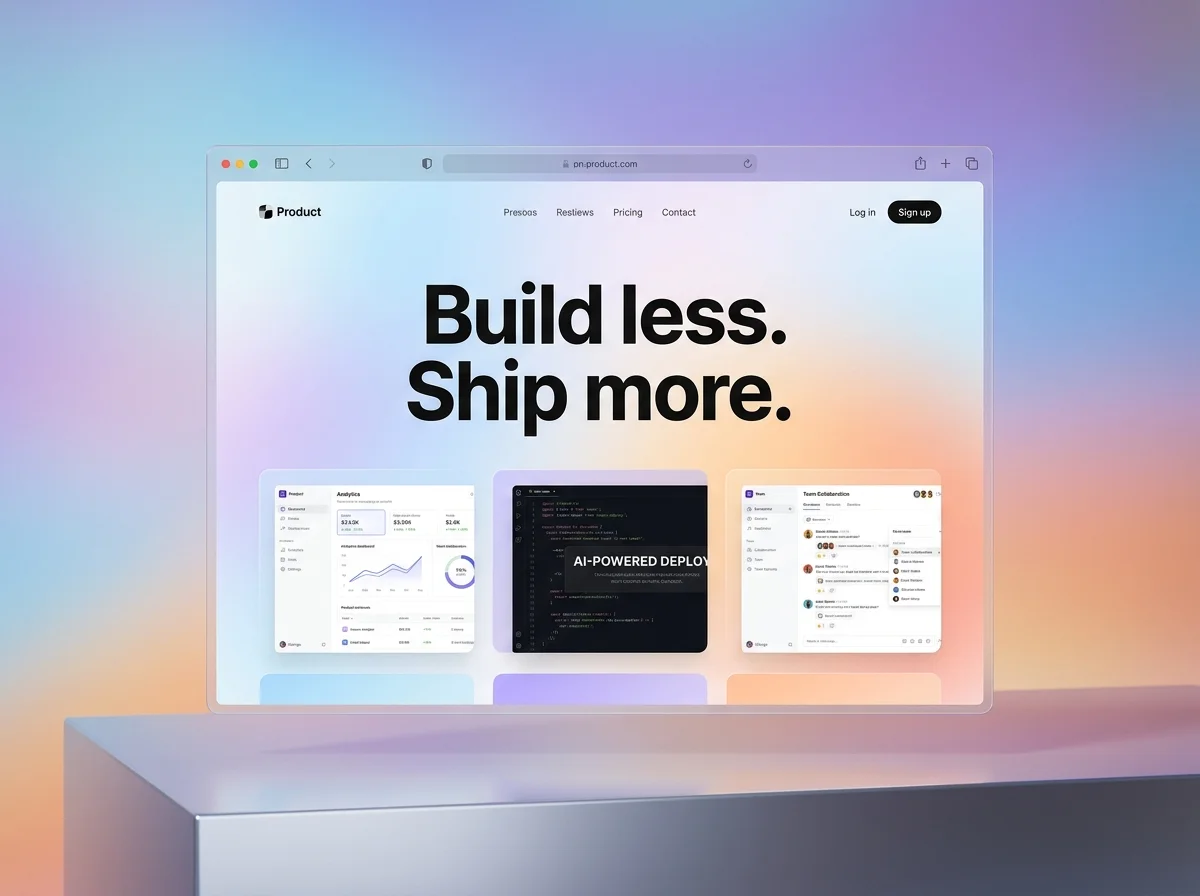
Newsletter design services should leave your team with a reusable email system, not one attractive screenshot. Start with the real sending platform, audience and content pattern. Approve modular blocks, build or configure them correctly, test representative content across priority inboxes, document the handoff, and keep final sending, consent and deliverability ownership clear.
The short answer: buy a production system, not a single layout
A newsletter is a recurring product. The first issue may introduce the visual direction, but the commercial value comes from what happens next: can a marketer assemble issue twelve without rebuilding the structure, breaking the footer or asking a developer to repair every mobile view? A useful design engagement solves for repeatable publishing as well as the launch issue.
The service boundary matters. A visual designer may supply a Figma layout and image assets. An email specialist may also create responsive HTML, configure editable modules inside Mailchimp, HubSpot, Klaviyo or another email service provider, run client previews and support the first send. Strategy, copywriting, segmentation, automation, list management, legal review, authentication and campaign deployment are separate unless the proposal names them.
Choose the newsletter deliverable before comparing quotes
| Deliverable | Best fit | What to confirm |
|---|---|---|
| Visual design file | Your team already owns email development | Desktop and mobile states, assets, spacing rules and developer notes |
| Builder-based template | Marketers need to assemble issues without code | Supported blocks, locked brand controls, editable regions and platform ownership |
| Custom HTML template | The design needs behavior beyond the standard builder | Supported clients, fallback behavior, editable tags, hosting and test evidence |
| Recurring issue production | A regular newsletter needs ongoing layout and asset support | Issue frequency, copy readiness, approvals, platform entry, QA and send responsibility |
| Campaign or lifecycle system | Newsletter, promotions and automated emails must share one language | Template families, personalization, trigger logic, versioning and measurement ownership |
Do not accept the phrase custom template without a definition. It can mean a branded arrangement of native builder blocks, a bespoke coded file, or a visual concept that still needs implementation. Ask to see the working template in your account or a faithful test environment, then edit a representative issue before sign-off.
Brief the newsletter around its actual publishing job
A useful brief identifies the newsletter type, audience, frequency, owner, sending platform, current template, list languages, priority email clients, content sources and primary action. Attach two typical issues and one difficult issue. A monthly editorial digest, ecommerce promotion, investor update and employee newsletter need different modules, densities, approvals and evidence.
- Define the goal for each newsletter family, such as reading an article, booking a demo, registering for an event or completing an account action.
- Provide real subject lines, preview text, headlines, body copy, image ratios, legal footer content and personalization examples.
- Name the source of truth for brand assets, links, dates, offers, prices, claims, tracking parameters and required disclosures.
- List the people who approve copy, brand, legal or compliance, platform setup and final send readiness.
- Separate reusable sections from issue-specific art so the template does not become a poster that must be recreated each time.
- Set the handoff expectation: design file, coded HTML, installed builder template, module guide, test report, source files or ongoing production.
Build a small module library around real content
Start with the recurring content patterns, not a gallery of decorative options. Most teams need a compact system: masthead, lead story, short story, image plus copy, event or offer, quote, data point, primary call to action, divider and compliant footer. Give every block a clear job, sensible content limits and a mobile behavior. Retire blocks nobody can explain or maintain.
| Module | Content rule | Acceptance check |
|---|---|---|
| Masthead and inbox envelope | Consistent sender identity, subject support and short preview text | The first inbox view communicates value without relying on an image |
| Lead story | One clear headline, summary, image and primary action | Hierarchy survives image blocking and a narrow screen |
| Secondary story | Shorter copy and lower visual weight than the lead | Several instances stack without looking repetitive |
| Event or offer | Date, location or terms come from an approved source | Critical details remain live text and links are correct |
| Call to action | Descriptive label tied to one destination | Button remains clear in light mode, dark mode and fallback rendering |
| Footer | Required identity, address, preferences and unsubscribe elements | Platform tokens and legal text work in a live proof |
Stress-test the library with long headlines, short headlines, missing images, translated copy, several events and an issue with no obvious hero. A system that works only with ideal demo content is still a mockup. Define what editors may change, what remains locked and what requires a designer or developer.
Design the inbox envelope and reading path together
The visible email starts before the body. Mailchimp's current preview-text guidance explains that the From name, subject and preview text appear together in the inbox, and that clients may pull unhelpful opening content when preview text is omitted. Treat those fields as one editorial unit, then make the body deliver the promise instead of repeating it.
Inside the email, place the most useful information early, use meaningful headings and give each section a clear next step. Avoid turning a newsletter into one large image. Real text can adapt, remain searchable, support assistive technology and survive blocked images. Use imagery to explain or reinforce the message, not to carry every essential word.
Code and test for email clients, not a browser canvas
Email HTML is constrained because inbox applications do not render code the same way. Mailchimp's current HTML email guidance recommends simple code, publicly hosted assets, compact or fluid layouts and rendering tests across email programs. Your platform may solve much of this through native blocks, but a custom template still needs conservative engineering and documented fallbacks.
Define the client matrix from your audience data when it is available. At minimum, cover the major combinations your subscribers use, including mobile and desktop, light and dark appearance, and the Outlook versions material to the list. Mailchimp's preview and test guide notes that desktop, mobile and inbox previews serve different purposes and that dynamic content or merge tags may require live-data previews or a controlled test segment.
- Check the sender name, subject, preview text and first visible body content together.
- Render the template with real copy, images, links, personalization, conditional blocks and footer tokens.
- Verify stacking, padding, line breaks, buttons, image scaling and hidden or fallback elements on narrow screens.
- Open every destination, including the logo, social icons, preference center, unsubscribe link and view-in-browser link.
- Confirm that tracking parameters and link rewrites do not produce the wrong destination or expose test data.
- Send a final proof through the actual platform because an exported screenshot cannot validate a working email.
Make accessibility part of the reusable rules
Accessibility cannot be added by writing alt text after the layout is finished. Mailchimp's current email accessibility guidance highlights short descriptive alternative text and a plain-text version, while its broader checklist also calls for heading hierarchy, descriptive links, contrast and mobile-friendly sizing. Apply those decisions to every module so editors do not have to rediscover them for each issue.
- Use a logical heading order and readable live text rather than flattening headings into images.
- Write link labels that make sense out of context instead of repeating learn more throughout the issue.
- Give informative images concise alternative text and leave purely decorative images with an empty alternative attribute.
- Maintain useful color contrast, legible type, generous line spacing and touch-friendly controls.
- Preserve reading order when columns stack and do not communicate a state by color alone.
- Review the plain-text version, keyboard path and screen-reader output for a representative issue.
Plan for dark mode without promising identical pixels
Dark mode behavior varies by email client. Mailchimp's current dark-mode guidance says client support for targeted styling is inconsistent and recommends testing. Use logos that remain visible on changed backgrounds, strong contrast, solid button fills and underlined links. Specify acceptable behavior and readability rather than promising one pixel-perfect dark version everywhere.
Keep design, compliance and deliverability responsibilities separate
A designer can improve hierarchy, create assets, configure modules and catch visible footer defects. That does not make the designer the owner of consent, suppression, list acquisition, authentication, sender reputation or jurisdiction-specific legal advice. Google's current email sender guidelines cover authentication and sending practices, while the US Federal Trade Commission's CAN-SPAM business guide covers matters such as sender information, a postal address and opt-out handling for covered commercial email. Other markets have their own rules. Assign qualified owners before launch.
A polished template can make a trustworthy message easier to use. It cannot repair missing consent, weak list practices or an unauthenticated sending domain.
PitchWorx email-production principle
Use a controlled newsletter production workflow
- Audit the current newsletter, audience, platform, analytics, client mix, legal footer and recurring content types.
- Approve the newsletter job, responsibility matrix and module map before detailed visual design.
- Design the inbox envelope, lead module, one secondary module, one action and the footer with representative content.
- Build the approved route inside the target platform or code path and document any fallback behavior.
- Stress-test the reusable blocks with long, short, missing and localized content before completing the library.
- Run copy, links, personalization, accessibility, mobile, dark-mode, client-rendering and compliance-owner checks.
- Send a controlled live proof, capture approval and archive the exact version that was released.
- Hand over source files, platform ownership, module instructions, test evidence and a repeatable pre-send checklist.
Compare newsletter design cost using the same scope
Published prices illustrate how different the service label can be. Constant Contact currently lists its own Email Design Service at $79 for Campaign Design and $199 for Premium Design, with specific consultation and revision differences. Designity currently lists its broader email template and newsletter service from $5,995 per month and includes a much wider mix of creative and marketing support. These are first-party provider prices, not market averages. Confirm the live scope, tax, platform, coding, revisions and support before comparing either with another quote.
PitchWorx Creative Assist is currently $699 per month with unlimited queued design requests, two active requests at a time, human-led design with AI-assisted production, senior designer review, unlimited revisions, unlimited team members, editable source files where applicable, no long-term contract and cancellation at any time. Most everyday requests target about 72 hours. A newsletter system can move through the queue as discovery, representative issue, reusable modules, platform setup, QA and campaign variants. Email software, list management, specialist coding, sending and third-party testing costs should be confirmed in the brief.
Newsletter design service acceptance checklist
- The audience, newsletter job, frequency, platform, owners and primary action are documented.
- The exact deliverable distinguishes visual design, builder configuration, custom HTML and recurring issue production.
- The module library covers representative content and survives long, short, missing and translated inputs.
- Inbox fields, live text hierarchy, links, images, alternative text and the plain-text version are approved.
- Mobile, dark-mode and priority client behavior has been tested through the actual sending platform.
- Personalization, conditional content, preference, unsubscribe and required footer tokens work with live-like data.
- Consent, authentication, legal review, list operations and final-send responsibility have named owners.
- The handoff includes editable source, installed templates, assets, code where applicable, module rules and test evidence.
- A pre-send checklist and final approval record exist for every recurring issue.
- Measurement connects each newsletter family to a useful action without inventing a performance promise.
Newsletter design services FAQs
What do newsletter design services include?
A design-led scope can include newsletter architecture, visual direction, reusable modules, desktop and mobile layouts, image assets, platform configuration, responsive HTML, accessibility checks, client previews, revisions and source-file handoff. Copywriting, strategy, automation, segmentation, list management, authentication, legal review and sending may be separate. Ask for a responsibility matrix.
What is the difference between a newsletter design and an email template?
A newsletter design may describe one issue or visual concept. A reusable email template is an operational structure with editable regions, locked brand rules, defined modules, mobile behavior, platform tokens and tested fallbacks. The template should let the team publish several realistic issues without damaging hierarchy or required footer elements.
Do newsletter designers also code the email?
Some do and some deliver only the visual file. Others configure native blocks inside the email platform instead of writing custom HTML. Confirm whether the quote includes coding, platform installation, editable tags, image hosting, client testing, bug support and source code. A Figma file is not automatically a send-ready template.
How much does newsletter design cost?
Cost depends on template families, module count, content and copy needs, platform, custom coding, personalization, languages, testing, revisions and ongoing production. Compare identical deliverables. PitchWorx Creative Assist is currently $699 per month with two active requests and the inclusions described above; third-party email and testing tools remain separate unless stated.
How long does a newsletter template take to design?
Timing depends on content readiness, platform access, the number of modules, custom code, review speed and the client matrix. Approve a representative issue first, then build and stress-test the reusable library. PitchWorx targets about 72 hours for most everyday first deliveries, but a coded system with testing should be planned in distinct milestones.
Which email platform should the template support?
Build for the platform the team will actually own and use. Mailchimp, HubSpot, Klaviyo, Salesforce Marketing Cloud and other tools have different editors, template languages, tokens and permissions. Record the account, builder version, editable regions, integrations, export limits and owner before design begins.
Does better newsletter design improve deliverability?
Good production can avoid broken code, oversized assets, deceptive presentation and missing visible footer elements. Deliverability also depends on consent, list quality, authentication, sending infrastructure, reputation, complaint rates and sending behavior. A design provider should support clean production but should not guarantee inbox placement from visual work alone.
What should a newsletter template handoff include?
Expect the installed template or import package, editable design source, image assets, code when applicable, font and license notes, module guide, content limits, token map, client and dark-mode test evidence, known fallbacks, pre-send checklist, version history and account ownership details. Include a recorded walkthrough when the internal team will assemble future issues.
One subscription for the newsletter and every campaign asset
A newsletter rarely works alone. Marketing teams also need landing pages, lead magnets, social posts, ad variants, event graphics, product diagrams, reports and sales materials built from the same campaign idea. PitchWorx keeps those requests in one managed queue for $699 per month, with two active requests and senior review on every output. Start with one representative issue, the reusable module set and its connected campaign asset. One subscription does all of this. Explore the social media design service.