QUICK ANSWER
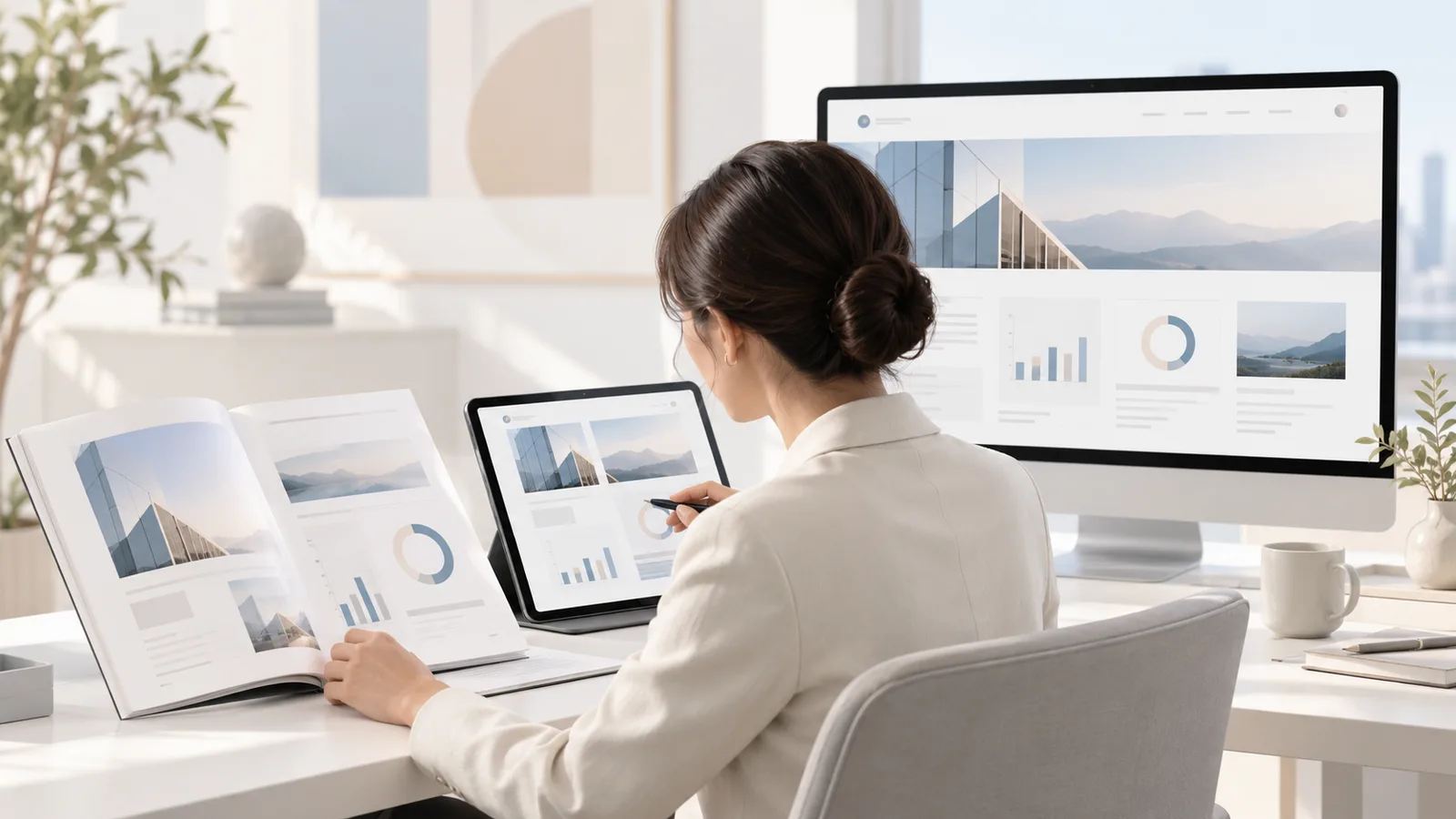
The best annual report design for US companies uses one shared design system, with the same grid, typography, color palette, chart styles and content blocks, so a single report can be produced as a printed book, an accessible PDF and a responsive web page without redesigning three times. PitchWorx builds these systems for US teams, either as a one-time project or through an Unlimited Design Subscription.
Table of Contents
- Introduction
- Why One System Beats Three Separate Reports
- Building the Annual Report Design System
- Print, PDF and Web: What Changes in Each Format
- Showing Business Meaning with Data and Story
- How Annual Report Design Drives Social Media and Business Growth
- Social Media Growth Hacks from Your Annual Report
- Free Design Tools and Their Hacks
- PitchWorx Services and Subscription Model
- Case Study: One System, Three Formats
- Why Choose PitchWorx
- Conclusion
- FAQs
Introduction
For many US companies, the annual report is the most important document of the year. Yet most teams still design it three times, for print, PDF and web, which wastes budget and creates inconsistencies.
At PitchWorx, we have designed reports and presentations for 14 years, since 2012, for clients across the USA, UK, UAE and India. The approach that works best is simple: design one system, then publish it everywhere. Many clients maintain that system through an Unlimited Design Subscription
Why One System Beats Three Separate Reports
A single design system gives you:
- Consistency: The same charts, colors and messages across every format.
- Speed: Content is approved once, then flowed into each layout.
- Lower cost: No duplicate design rounds, especially on an Unlimited Design Subscription.
Building the Annual Report Design System
Start with these core building blocks:
- A flexible grid that works on a printed page, a PDF screen and a mobile browser.
- A type of scale for headlines, body text and data labels.
- A color palette tested for print and screen.
- A chart library covering bar, line, donut and KPI cards in one consistent style.
- Reusable content blocks such as CEO letters, highlight stats and financial summaries.
Print, PDF and Web: What Changes in Each Format
Print: Use CMYK colors, high-resolution images, bleed margins and quality paper.
PDF: Add clickable navigation, bookmarks and tagged structure for screen readers, in line with accessibility standards such as PDF/UA.
Web: Use short, scannable sections, interactive charts and mobile-friendly layouts that follow WCAG guidelines.
The content and visual language stay the same. Only the delivery changes.
Showing Business Meaning with Data and Story
Every section should answer one question: what did we achieve, and why does it matter? Lead with an outcome headline, such as "Revenue grew 22% as new markets opened," then support it with one chart and a human story.
The same rule applies to investor presentations built from the report. Many teams use a Presentation Design Subscription, so their earnings deck, board deck and annual report share one visual system.
How Annual Report Design Drives Social Media and Business Growth
A well-designed annual report is one of the richest content sources a company owns. Key stats become LinkedIn posts and charts become carousels. When these visuals match your report, audiences recognize your brand everywhere, and recognition builds trust. Crowded pages do the opposite, making results feel weaker than they are. That is why creative design matters to business growth.
Social Media Growth Hacks from Your Annual Report
- Stat cards: Turn your top 10 numbers into branded single-stat posts.
- Chart carousels: Convert report charts into 5 to 7 slide LinkedIn carousels.
- Mobile check: Preview every post at phone size before publishing.
An Unlimited Design Subscription keeps this steady stream of posts on brand.
Free Design Tools and Their Hacks
Smaller teams can prepare drafts and social assets with free tools:
- Canva** (free plan):** Build social stat cards fast. Hack: create a brand template once and duplicate it for every post.
- Google Slides: Draft report storyboards. Hack: use the master slide to lock fonts and colors so every draft stays consistent.
- Figma** (free plan):** Design web report layouts. Hack: use components for charts and stat blocks so one edit updates every page.
- Datawrapper (free plan): Create clean, responsive charts. Hack: export the same chart as PNG for print drafts and embed it for the web version.
- Adobe Express (free plan): Resize one graphic for multiple social formats. Hack: use the resize feature instead of redesigning each format.
Free tools are great for drafts. For a print-ready, investor-grade report, an Unlimited Design Subscription or Presentation Design Subscription gives you professional quality without hiring in-house.
PitchWorx Services and Subscription Model
PitchWorx designs for US companies from startups to enterprises. Our services include:
- Annual report design for print, PDF and web
- Investor presentations and earnings decks
- PowerPoint and Google Slides template systems
- Brand identity and social media creatives
Project-based services suit one-time needs, such as a single annual report. Subscription plans support ongoing work: our Unlimited Design Subscription covers reports, graphics and presentations for a flat monthly fee, while our Presentation Design Subscription focuses on investor, board and sales decks. We are ISO 27001:2022 certified, so unreleased financial data stays protected.
Case Study: One System, Three Formats
A US-based nonprofit (details anonymized) produced its impact report in three separate rounds. Numbers did not match across formats, and the web version launched weeks late.
PitchWorx created one design system with a shared grid, chart library and content blocks. We produced print, PDF and web versions from one source and turned key stats into a month of social posts. The board deck followed through a Presentation Design Subscription. The client then moved to an Unlimited Design Subscription for ongoing donor reports and campaign graphics.
The result was a consistent report, a faster launch and a stronger social presence. The Unlimited Design Subscription now keeps every donor update on brand.
Why Choose PitchWorx
- 14 years of experience designing reports and presentations since 2012.
- One-system approach for print, PDF and web.
- Flexible models: A project, an Unlimited Design Subscription or a Presentation Design Subscription based on your volume.
- Security assured: ISO 27001:2022 certified processes.
Conclusion
US companies no longer need to design their annual report three times. One shared system delivers print, PDF and web versions that tell the same story, and smart social repurposing turns the report into a growth tool. Whether you need a single report or an Unlimited Design Subscription for year-round work, PitchWorx can help you build it.
| One report. Print, PDF and web. Talk to PitchWorx about a project or design subscription. |
|---|
Frequently Asked Questions
1. What is an annual report design system?
A shared set of grids, fonts, colors and charts used to produce print, PDF and web versions from one source.
2. Should a US annual report be printed or digital?
Most now lead with PDF and web and print a smaller run for board members and events.
3. How do I make an annual report PDF accessible?
Use tagged structure, reading order, alt text, bookmarks and strong color contrast.
4. Can free tools like Canva handle a full annual report?
They suit drafts and social posts, but print-ready, accessible reports usually need professional design.
5. Does PitchWorx design annual reports through a subscription?
Yes. Reports can be a one-time project or part of an Unlimited Design Subscription with ongoing graphics and presentations.